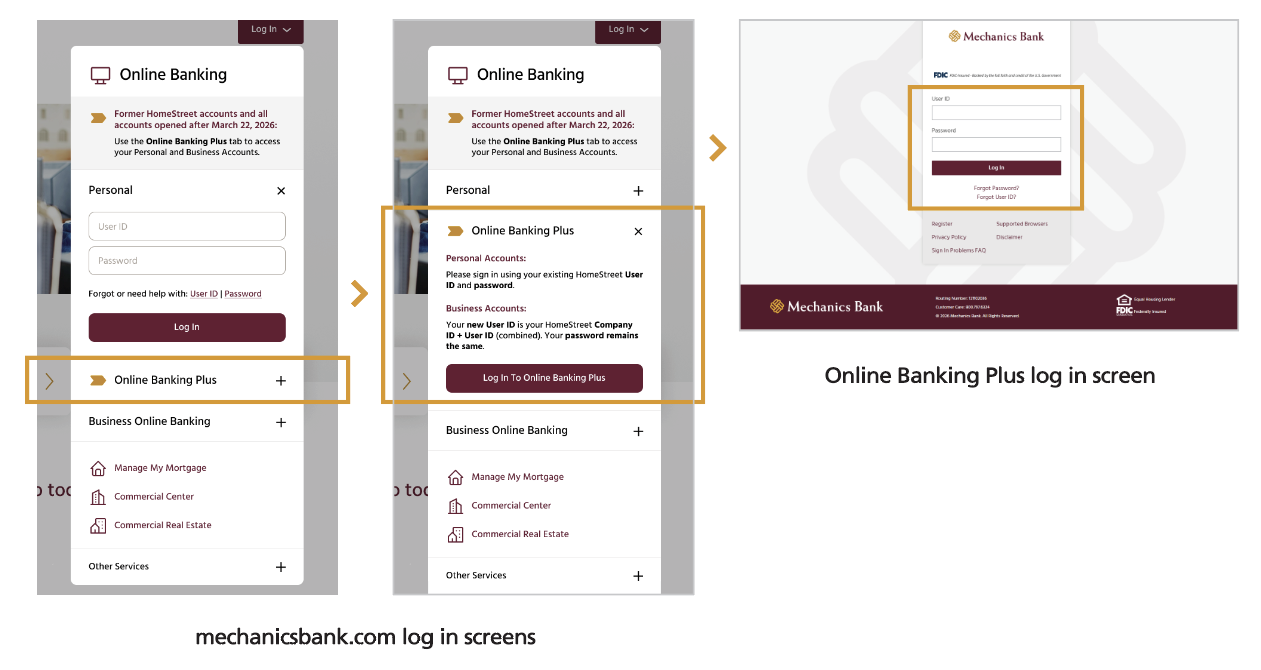
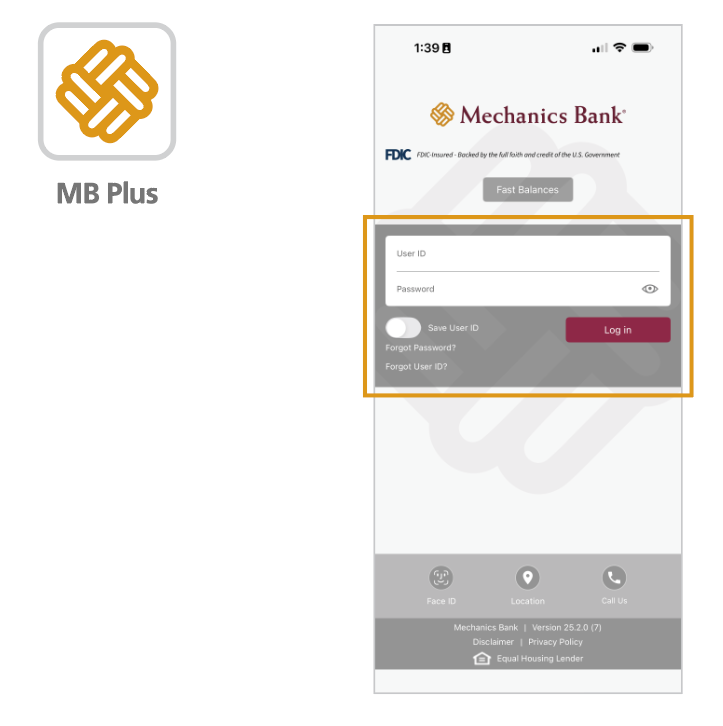
1. Download the Mechanics Bank Mobile Plus app from the appropriate Apple or Google Play store.
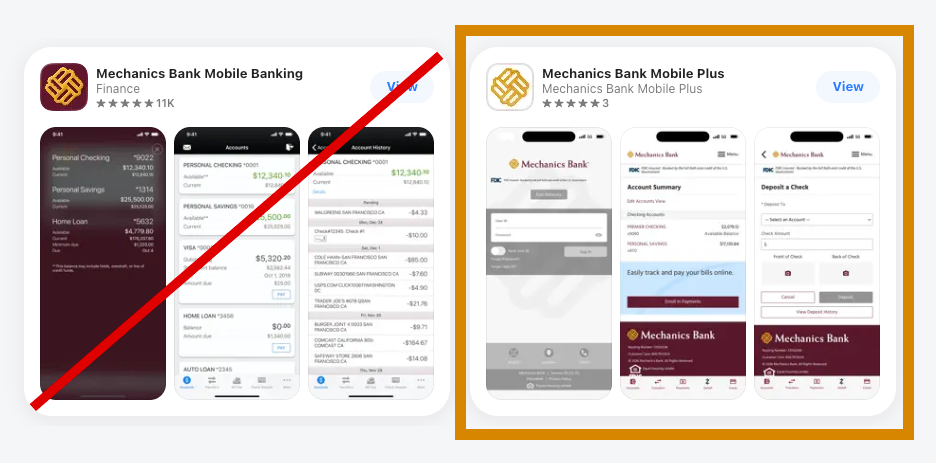
- The other Mechanics Bank mobile apps will NOT work with your account. Click on the appropriate app store link below to get to Mechanics Bank Mobile Plus.


2. Your User ID has changed. To access your account(s), you will use a combination of your Company ID + your current User ID. For example, if your Company ID is 123456 and your User ID is j@ckSm1th, your new User ID will be 123456j@ckSm1th. If you don’t know your Company ID, please call Customer Care at 800.719.8080.
3. Enter your updated User ID (Company ID + current homestreet.com User ID) and current homestreet.com password
4. A new window will ask you for additional, required information that will be familiar to you
5. Upon verification, you will be asked how you wish to receive a one-time passcode: via voice call, text, or email
6. You will need to provide this one-time passcode to set up your new password
7. Once you read and accept the Terms & Conditions, your access will be granted